The files nobody talks about: what ancillary files are, and why they belong in the media supply chain.
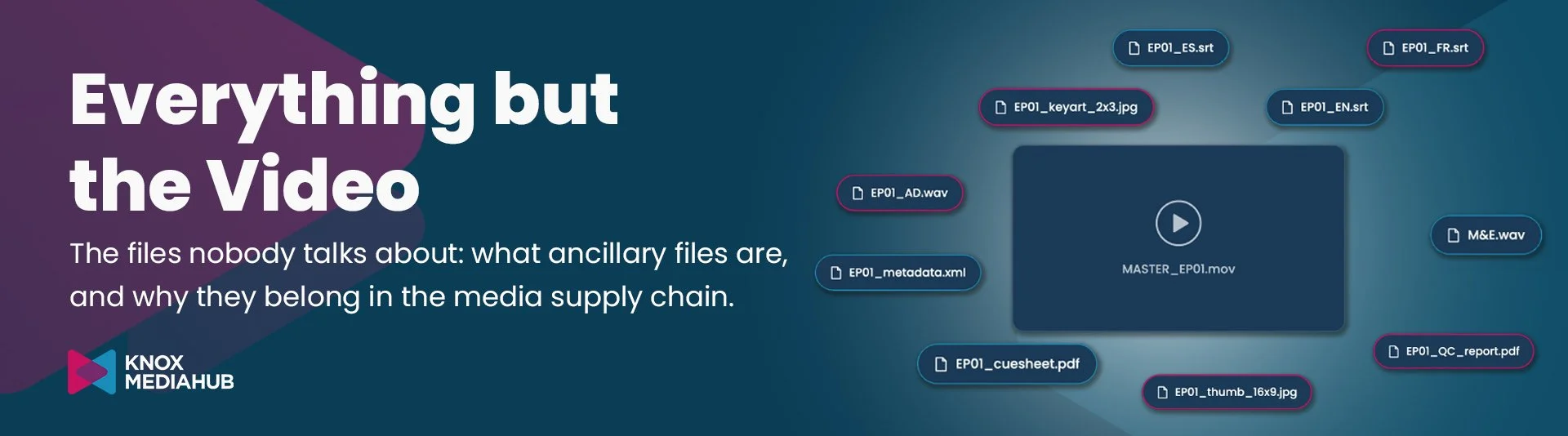
Artwork, subtitles, audio and metadata rarely get the spotlight. But no delivery leaves the building without them.
We’ve talked a lot about metadata recently and the complexity behind consistent metadata structures. And true to ourselves, we’re going to keep talking about the unsexy things that quietly make or break media operations.
So today, let’s talk about everything that is not video.
Ironic for a media tech company, we know. But here’s the thing: Media management isn’t only about video. It manages media content. And content is a lot more than a video file.
📎 What the heck are ancillary files
… and why video is only one part of a delivery.
When people talk about media distribution, the video gets all the attention. Specs, codecs, formats, durations, edits, clips, versions. It’s the centrepiece, yes. But it’s rarely the whole delivery.
Publish a video anywhere and you’ll be asked for a thumbnail and subtitles, at the very least. Deliver to a broadcaster, a streamer or an OTT platform, and the list grows fast:
Artwork: posters, key art, thumbnails and banners, often in several sizes and aspect ratios.
Subtitles and captions: one file per language, sometimes per platform format.
Alternative audio: dubbed tracks, audio description, music and effects.
Metadata: titles, synopses, credits, rights windows, usually as XML or a platform-specific template.
The list goes on: music cue sheets, rights paperwork, delivery specs and QC reports.
If you publish video, you’ve probably already worked with some of these. A platform may ask for a thumbnail and subtitles alongside the video. Another delivery may require specific artwork, metadata or documentation.
These supporting assets are commonly called ancillary files. They’re the files that help you identify, localise, promote and distribute a show, film, match, event, ...
It’s an operational umbrella rather than a strict category. What counts as ancillary depends on the workflow. An audio track or a subtitle file can be a supporting file in one delivery and part of the media essence in another.
What doesn’t change is this: without them, the video is only a .mp4 file instead of consumable content to watch.
🔦 The bottleneck hiding in the shadows
As an industry, we’ve become very good at video. We know our transcoding specs by heart. We generate every format a destination could ask for. We’ve automated so much that a clip can be published minutes after it’s recorded. Video is delivered faster than ever. Live formats are evolving at light speed.
And yet, some bottlenecks remain. Not because of the video, but because of everything waiting around it:
The metadata arrives badly tagged.
The design team is still adapting the artwork for one more platform.
The subtitles aren’t ready in every language yet.
Your video is ready to go. Your delivery isn’t.
A delivery is only as fast as its slowest file. And when ancillary files live outside the workflow, in scattered systems from different teams, that slowest file is usually one nobody was watching.
It’s almost common knowledge by now that fragmented systems create silos, slow teams down and make content harder to find. So why do so many organisations still handle the video in one place and everything else somewhere else?
Subtitles sit in a shared drive. Artwork lives in the design team’s folders. Metadata is in a spreadsheet. Cue sheets are attached to an email from three weeks ago.
💫 Treat the content as a whole
Our take: ancillary files may not be “media” in the strict sense, but they absolutely belong in the media supply chain.
A media supply chain should account for the assets that travel with the video. That doesn’t mean every file has to be managed in exactly the same way. It means teams need a connected view of the content, its related files and the work each one needs before delivery.
That view can make it easier to find assets, track readiness and connect preparation tasks to the rest of the workflow. It also helps teams see where work is waiting, instead of discovering the missing piece at the point of delivery.
A media library isn’t just a collection of video files. It’s a set of related assets, information and relationships that help content move from creation to use.
The video might be ready. Is the rest of the delivery?
A holistic view of media
At Knox Media Hub, we’re proud to treat media as content, not just as video. That means giving subtitle files, metadata and even documents the same care as the video itself.
👤 Who should care
Anyone who sends content to OTT platforms, streaming services or social media, and knows that every destination has its own requirements for the same series, match or event.
Multiplatform isn’t pressing “send” ten times. It’s preparing ten different packages.
🏞️ An example: artwork shows how quickly the work multiplies
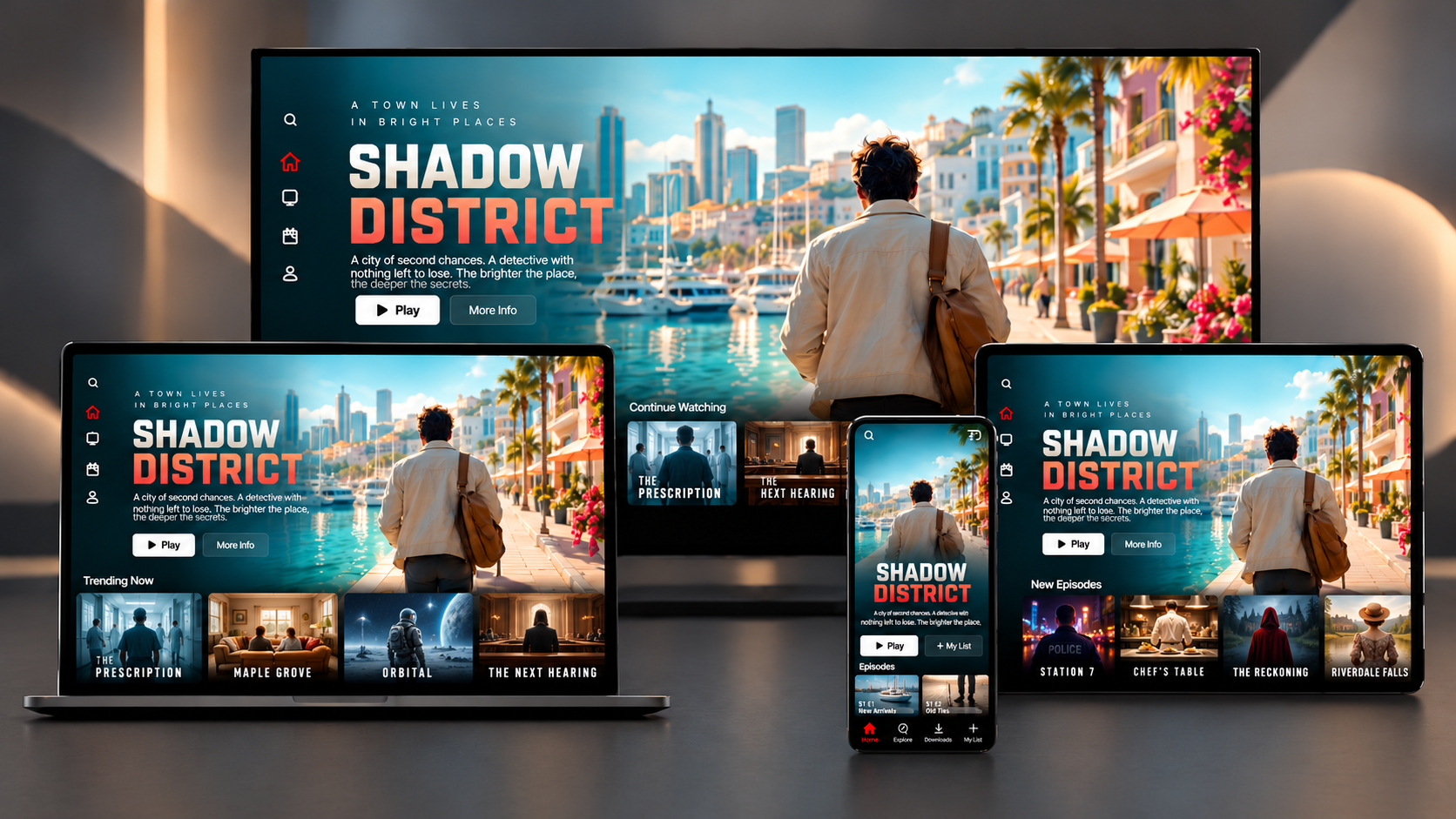
Next time you scroll through your streaming service, count how many versions of the same poster you see: the thumbnail, the hero banner, the preview, the mobile view…
Artwork is an easy way to see the operational challenge.
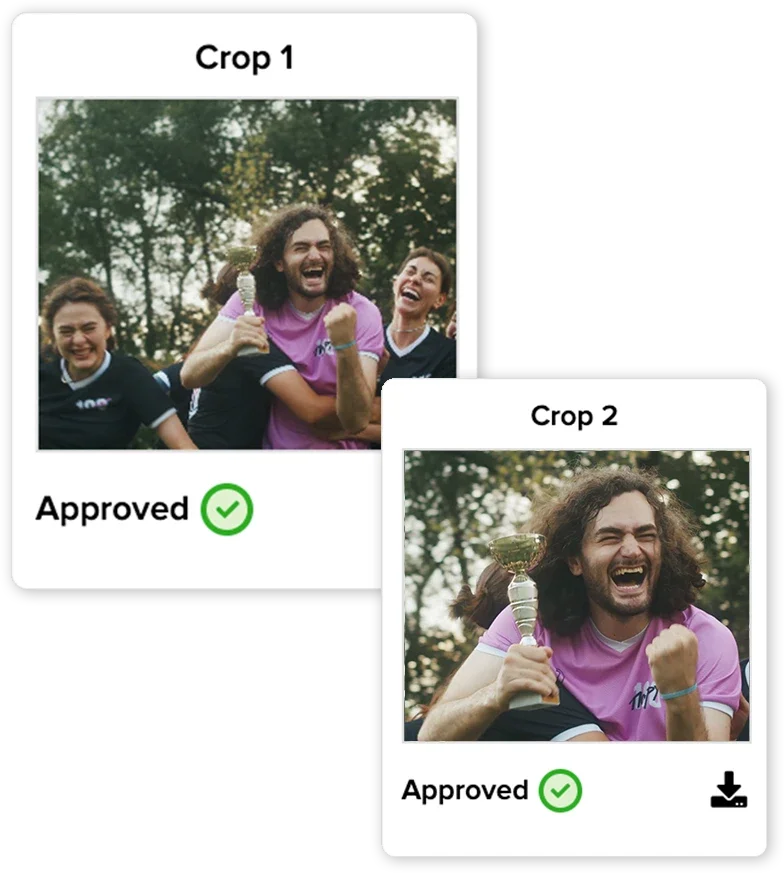
A single title may need a poster, key art, a thumbnail and a banner. Each platform asks for its own dimensions and aspect ratios. One approved image may need to become portrait, square and wide versions.
The creative work is making the original artwork. Preparing crop after crop for platform specs is a separate, often manual job. One image is manageable. Multiply it across a catalogue of shows, films, seasons or sports events, and the queue keeps growing. Every new destination adds another set of requirements.
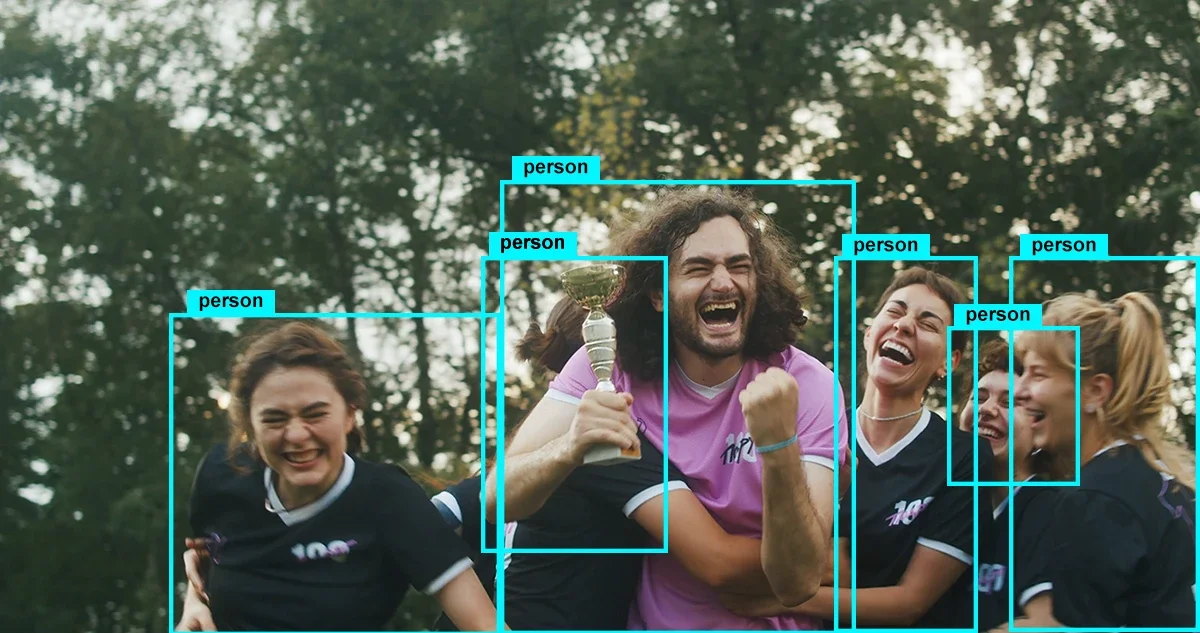
An example of task-specific AI
Knox Media Hub’s AI Image Processing comes to automate this drudgery work. We detected that the issue was not just resizing. A simple centre crop can cut off a face. So someone has to check the framing, and often fix it, before the artwork is ready to use. That’s why we included very specific AI to understand the actual image.
Our latest work, AI Image Processing, focuses on simplifying artwork delivery. But it’s one piece of a bigger picture: managing video alongside its audio, subtitles, metadata and artwork, in one place, in one workflow.