Business professional using a laptop with digital file and folder organization icons overlayed
Folder hierarchy icon showing one main folder connected to three subfolders

Library

The Library is the core of Knox Product, your single source of truth for all your media assets. 

Catalogue, tag and view media files effortlessly, all from a browser tab.
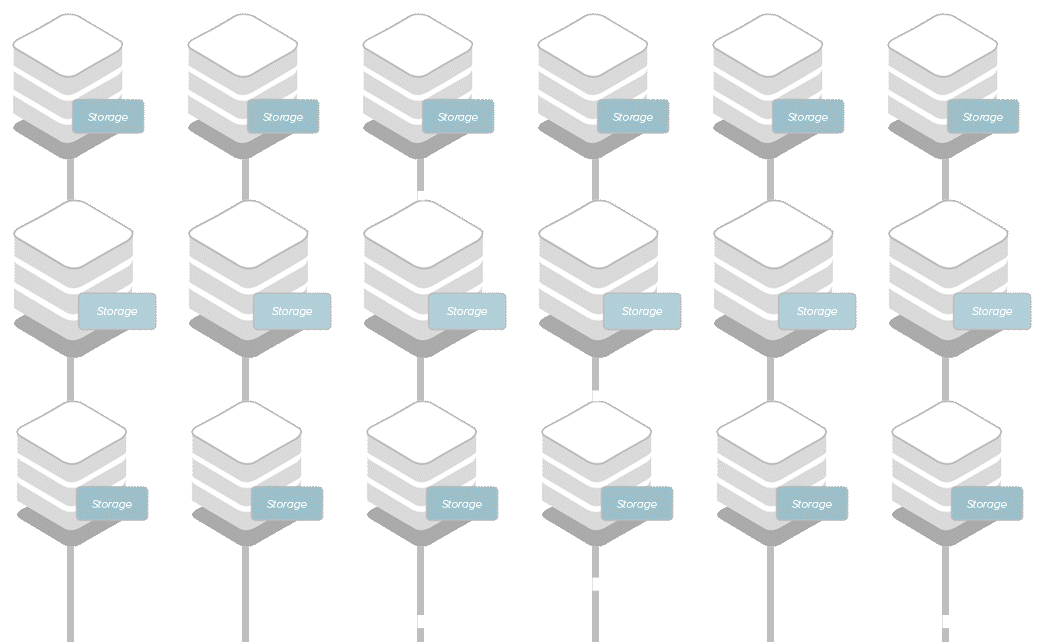
Vertical stack of three gray storage boxes connected by a central line, each labeled “Storage.”

Browse and move media between storages, cloud and on-prem.

A powerful search bar to find your assets by typing a title, a metadata, a format, etc.

Empty rounded search bar with magnifying glass icon
Dark blue video play button with three tag icons

Forget about manually organizing your library and struggling with metadata. Automate and customize at scale.

A set of tools to manage your media, from sharing, transcoding, transcription, QC, CC and much more!

Set of light blue digital media icons, including download, document sharing, link, video camera, editing, chain, play, zoom, chat, package, and closed captions.

Work Orders to manage teams, tasks and jobs.
Right-pointing arrow next to a bulleted list icon
Illustration of a digital media library interface in a web browser with folders, video thumbnails, closed captions, audio, document, and image file icons.

Access your media library from anywhere, through a browser.